


Page 9 - 18-868 SEO PowerSuite Workflow_VPMGC
P. 9
SEO Workflow


                   6. Build quality links


               Expand your link profile with relevant, high quality backlinks.


               Step 1: Discover link prospects within competitors’ backlink profiles. Create

               projects in SEO SpyGlass for your best ranking competitors to see where they
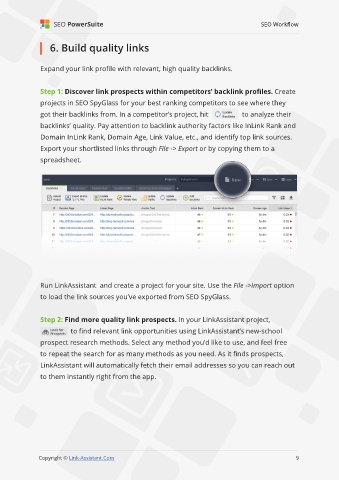
               got their backlinks from. In a competitor’s project, hit               to analyze their
               backlinks’ quality. Pay attention to backlink authority factors like InLink Rank and

               Domain InLink Rank, Domain Age, Link Value, etc., and identify top link sources.

               Export your shortlisted links through File -> Export or by copying them to a
               spreadsheet.


               Run LinkAssistant  and create a project for your site. Use the File ->Import option
               to load the link sources you’ve exported from SEO SpyGlass.


               Step 2: Find more quality link prospects. In your LinkAssistant project,

                          to find relevant link opportunities using LinkAssistant’s new-school
               prospect research methods. Select any method you’d like to use, and feel free
               to repeat the search for as many methods as you need. As it finds prospects,

               LinkAssistant will automatically fetch their email addresses so you can reach out

               to them instantly right from the app.


                                                                                                              9

               Copyright © Link-Assistant.Com                                                            9

