


Page 12 - Computing Book 5
P. 12
Working with Media                                                                   Class 5


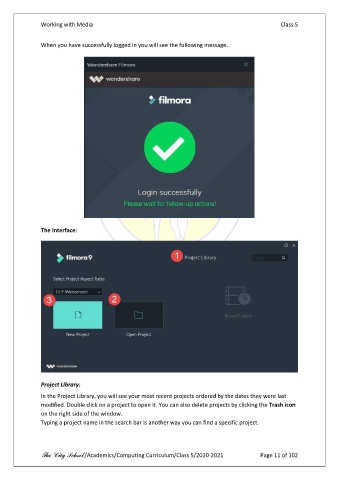
               When you have successfully logged in you will see the following message.


               The Interface:


               Project Library:
               In the Project Library, you will see your most recent projects ordered by the dates they were last
               modified. Double click on a project to open it. You can also delete projects by clicking the Trash icon
               on the right side of the window.
               Typing a project name in the search bar is another way you can find a specific project.


               The City School /Academics/Computing Curriculum/Class 5/2020-2021            Page 11 of 102

