


Page 14 - Computing Book 5
P. 14
Working with Media                                                                   Class 5


               Save a Project

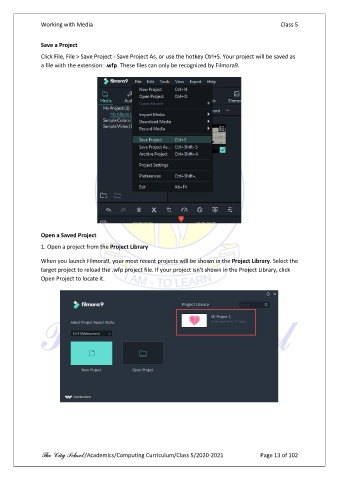
               Click File, File > Save Project - Save Project As, or use the hotkey Ctrl+S. Your project will be saved as
               a file with the extension: .wfp. These files can only be recognized by Filmora9.


               Open a Saved Project

               1. Open a project from the Project Library

               When you launch Filmora9, your most recent projects will be shown in the Project Library. Select the
               target project to reload the .wfp project file. If your project isn't shown in the Project Library, click
               Open Project to locate it.


               The City School /Academics/Computing Curriculum/Class 5/2020-2021            Page 13 of 102

