


Page 31 - TCS ICT Book 5
P. 31
The City School  2021-2022


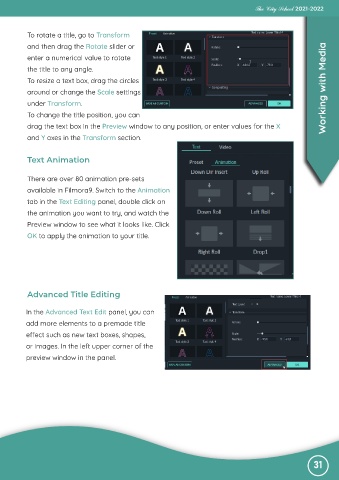
           To rotate a title, go to Transform

           and then drag the Rotate slider or

           enter a numerical value to rotate
           the title to any angle.
           To resize a text box, drag the circles

           around or change the Scale settings                                                                     Working with Media

           under Transform.
           To change the title position, you can
           drag the text box in the Preview window to any position, or enter values for the X

           and Y axes in the Transform section.


           Text Animation


           There are over 80 animation pre-sets
           available in Filmora9. Switch to the Animation

           tab in the Text Editing panel, double click on

           the animation you want to try, and watch the
           Preview window to see what it looks like. Click
           OK to apply the animation to your title.


           Advanced Title Editing


          In the Advanced Text Edit panel, you can

          add more elements to a premade title
          effect such as new text boxes, shapes,

          or images. In the left upper corner of the
          preview window in the panel.


                                                                                                               31

