


Page 46 - Scratch Programming Playground
P. 46
create Three
                           B     bouncing Dots


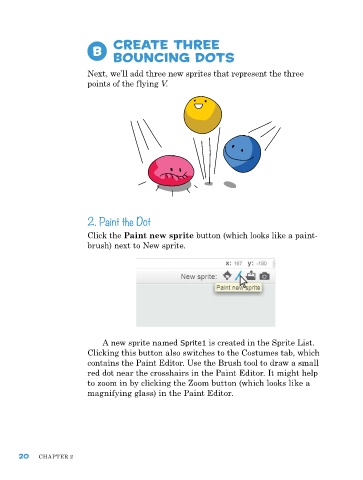
                         next, we’ll add three new sprites that represent the three
                         points of the flying V.


                         2. Paint the Dot

                         Click the Paint new sprite button (which looks like a paint-
                         brush) next to new sprite.


                             a new sprite named Sprite1 is created in the Sprite List.
                         Clicking this button also switches to the Costumes tab, which
                         contains the paint editor. Use the Brush tool to draw a small
                         red dot near the crosshairs in the paint editor. It might help
                         to zoom in by clicking the Zoom button (which looks like a
                         magnifying glass) in the paint editor.


      20    ChapTer 2

