


Page 74 - Executive Director
P. 74
8013 - Submitting an IT issue
Go to web browser.
Go to https://dontletitbreak.zendesk.com/hc/en-us
In the right top corner, click the “Sign in” button
Enter log in information:
o Email: legacyveterinary@yahoo.com
o Password: petanimal2!
Once logged in go to the top right corner and select “Submit a request”
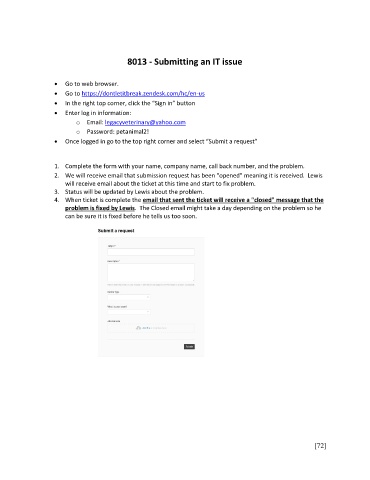
1. Complete the form with your name, company name, call back number, and the problem.
2. We will receive email that submission request has been "opened" meaning it is received. Lewis
will receive email about the ticket at this time and start to fix problem.
3. Status will be updated by Lewis about the problem.
4. When ticket is complete the email that sent the ticket will receive a "closed" message that the
problem is fixed by Lewis. The Closed email might take a day depending on the problem so he
can be sure it is fixed before he tells us too soon.
[72]

