


Page 144 - Receptionist
P. 144
“How” by using a Tablet/Smart Phone:


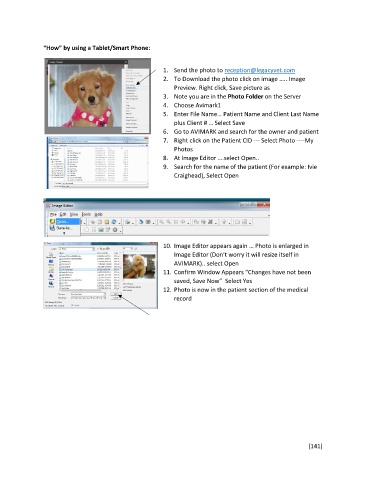
                                                       1.  Send the photo to reception@legacyvet.com
                                                       2.  To Download the photo click on image ….. Image
                                                           Preview. Right click, Save picture as
                                                       3.  Note you are in the Photo Folder on the Server
                                                       4.  Choose Avimark1
                                                       5.  Enter File Name… Patient Name and Client Last Name
                                                           plus Client # … Select Save
                                                       6.  Go to AVIMARK and search for the owner and patient
                                                       7.  Right click on the Patient CID --- Select Photo ----My
                                                           Photos
                                                       8.  At Image Editor ….select Open..
                                                       9.  Search for the name of the patient (For example: Ivie
                                                           Craighead), Select Open


                                                       10. Image Editor appears again … Photo is enlarged in
                                                           Image Editor (Don’t worry it will resize itself in
                                                           AVIMARK).. select Open
                                                       11. Confirm Window Appears “Changes have not been
                                                           saved, Save Now”  Select Yes
                                                       12. Photo is now in the patient section of the medical
                                                           record


                                                                                                       [141]

