


Page 33 - Computing E-Book Grade 6
P. 33
The City School  2021-2022


             Adjusting Worksheet Before Print


             If some of your content is being cut off by the printer, you can use scaling to fit your
                                                                                                                    Analysing Data
             workbook to the page automatically.

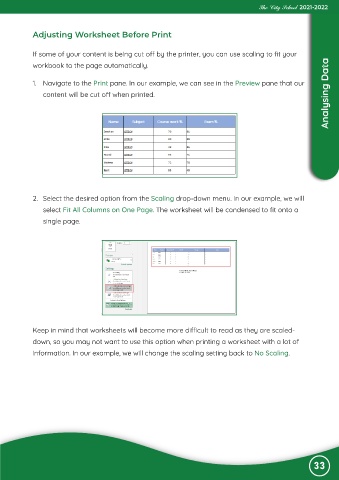
             1.  Navigate to the Print pane. In our example, we can see in the Preview pane that our

                content will be cut off when printed.


             2.  Select the desired option from the Scaling drop-down menu. In our example, we will

                select Fit All Columns on One Page. The worksheet will be condensed to fit onto a
                single page.


             Keep in mind that worksheets will become more difficult to read as they are scaled-

             down, so you may not want to use this option when printing a worksheet with a lot of
             information. In our example, we will change the scaling setting back to No Scaling.


                                                                                                               33

