


Page 39 - Computing E-Book Grade 6
P. 39
The City School  2021-2022


             Preset header or footer


             Word has a variety of preset headers and footers you can use to enhance your
             document’s design and layout. In our example, we’ll add a preset header to our

             document.


             Steps to insert preset header and footer                                                               Document Creation

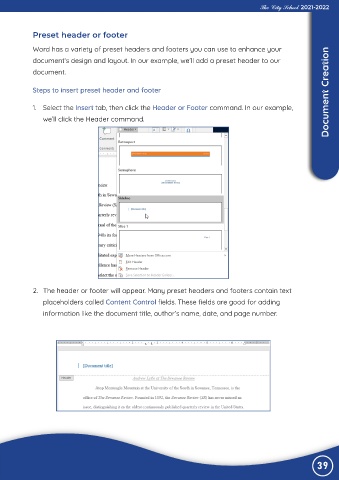
             1.  Select the Insert tab, then click the Header or Footer command. In our example,

                we’ll click the Header command.


             2.  The header or footer will appear. Many preset headers and footers contain text

                placeholders called Content Control fields. These fields are good for adding

                information like the document title, author’s name, date, and page number.


                                                                                                                39

