


Page 41 - Computing E-Book Grade 6
P. 41
The City School  2021-2022


             2.3.  Adding Hyperlinks


             Adding hyperlinks to text can provide access to websites and email addresses directly
             from your document.

             Hyperlinks have two basic parts: the address (URL) of the webpage and the display

             text. For example, the address could be http://www.popsci.com, and the display text                    Document Creation
             could be “Popular Science Magazine”. When you create a hyperlink in Word, you’ll be

             able to choose both the address and the display text.

             Steps to insert hyperlink in the document


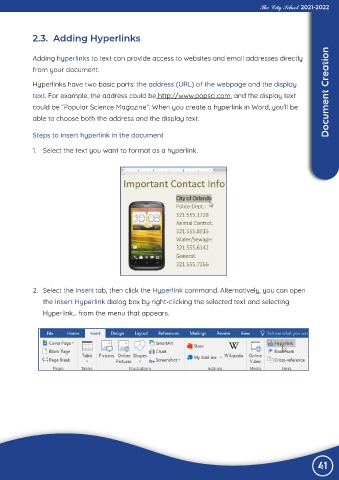
             1.  Select the text you want to format as a hyperlink.


             2.  Select the Insert tab, then click the Hyperlink command. Alternatively, you can open

                the Insert Hyperlink dialog box by right-clicking the selected text and selecting

                Hyperlink... from the menu that appears.


                                                                                                                 41

