


Page 49 - Computing E-Book Grade 6
P. 49
The City School  2021-2022


             Correction


                                                                                                                    Document Creation
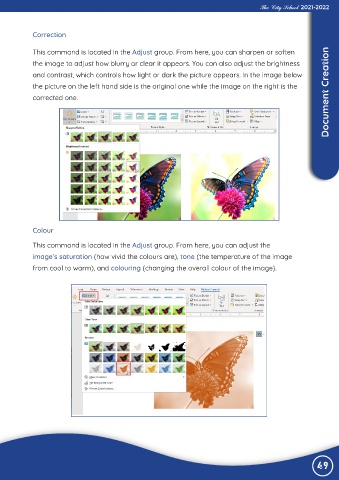
             This command is located in the Adjust group. From here, you can sharpen or soften
             the image to adjust how blurry or clear it appears. You can also adjust the brightness
             and contrast, which controls how light or dark the picture appears. In the image below

             the picture on the left hand side is the original one while the image on the right is the
             corrected one.


             Colour


             This command is located in the Adjust group. From here, you can adjust the
             image’s saturation (how vivid the colours are), tone (the temperature of the image

             from cool to warm), and colouring (changing the overall colour of the image).


                                                                                                                49

