


Page 54 - Computing E-Book Grade 6
P. 54
The City School  2021-2022


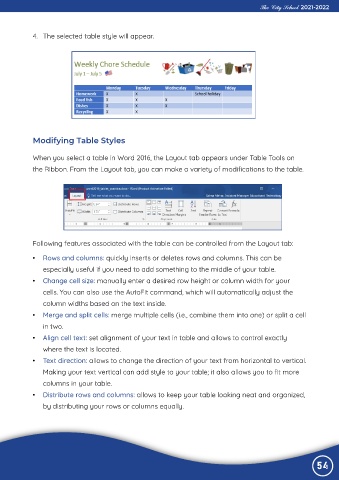
             4.  The selected table style will appear.


             Modifying Table Styles

             When you select a table in Word 2016, the Layout tab appears under Table Tools on

             the Ribbon. From the Layout tab, you can make a variety of modifications to the table.


             Following features associated with the table can be controlled from the Layout tab:

             •  Rows and columns: quickly inserts or deletes rows and columns. This can be

                especially useful if you need to add something to the middle of your table.
             •  Change cell size: manually enter a desired row height or column width for your

                cells. You can also use the AutoFit command, which will automatically adjust the
                column widths based on the text inside.

             •  Merge and split cells: merge multiple cells (i.e., combine them into one) or split a cell
                in two.

             •  Align cell text: set alignment of your text in table and allows to control exactly
                where the text is located.

             •  Text direction: allows to change the direction of your text from horizontal to vertical.
                Making your text vertical can add style to your table; it also allows you to fit more

                columns in your table.
             •  Distribute rows and columns: allows to keep your table looking neat and organized,

                by distributing your rows or columns equally.


                                                                                                                54
                                                                                                                54

