


Page 142 - (DK) Help Your Kids with Growing Up: A No-Nonsense Guide to Puberty and Adolescence
P. 142
140       DIGITAL  LIFE


        Staying safe online                                                SEE ALSO
                                                                           ‹
                                                                            130–131  Social media
        Children, teens, and adults must take steps to protect their       ‹ ‹  134–135  Making judgements
                                                                            138–139  Cyberbullying
        identities, personal details, and images online. While Internet filters   Privacy       142–143  ›
        can help, the best way to stay safe is for everyone to work together.


        Being prepared                                             P ARENT  TIPS
        Staying safe online bears many of the same rules as staying safe   Open communication
        in the real world. Both involve knowing the potential dangers,
        talking them through before they occur, and having a plan of   Teens need strong digital skills to empower them
                                                                   to make safe choices online on their own. By
        action for teens to follow, if and when problems occur.
                                                                   communicating effectively, parents can help
                                                                   prepare their teen to deal with any problems.
                                                                   • Ask your teen questions to get them to open
                                                                    up about their digital activities. Try asking about
                                                                    favourite websites, whether someone has helped
                                                                    them online, and who they like to follow.
                                                                   • Discuss potential dangers, and work together
                                                                    to research and put in place strategies to reduce
                                                                    the risk. The conversation should adapt as teens
                                                                    gain maturity.
                                                                   • It’s easy to become complacent, but don’t stop
                                                                    discussing Internet safety. It’s relevant at every age.
                                                                   • If you feel the need to block inappropriate content
                                                                    using Internet filters, it’s best to discuss them with
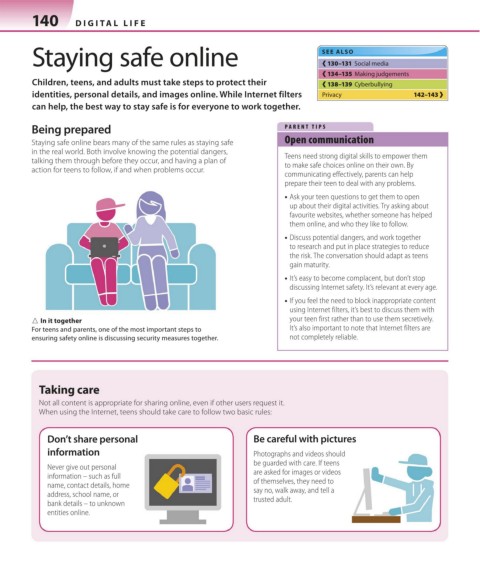
        △ In it together                                            your teen first rather than to use them secretively.
        For teens and parents, one of the most important steps to   It’s also important to note that Internet filters are
        ensuring safety online is discussing security measures together.   not completely reliable.


          Taking care
          Not all content is appropriate for sharing online, even if other users request it.
          When using the Internet, teens should take care to follow two basic rules:

            Don’t share personal                           Be careful with pictures
            information                                    Photographs and videos should
                                                           be guarded with care. If teens
            Never give out personal                        are asked for images or videos
            information – such as full
            name, contact details, home                    of themselves, they need to
                                                           say no, walk away, and tell a
            address, school name, or
            bank details – to unknown                      trusted adult.
            entities online.


   140-141_Staying_safe_online.indd   140                                                            24/03/2017   17:18

