


Page 45 - Applied Statistics with R
P. 45
3.2. DATA STRUCTURES                                               45


                      dim(example_data)


                      ## [1] 10   3


                      The data.frame() function above is one way to create a data frame. We can
                      also import data from various file types in into R, as well as use data stored in
                      packages.
                      The example data above can also be found here as a .csv file. To read this
                      data into R, we would use the read_csv() function from the readr package.
                      Note that R has a built in function read.csv() that operates very similarly.
                      The readr function read_csv() has a number of advantages. For example, it
                      is much faster reading larger data. It also uses the tibble package to read the
                      data as a tibble.

                      library(readr)
                      example_data_from_csv = read_csv("data/example-data.csv")


                      This particular line of code assumes that the file example_data.csv exists in a
                      folder called data in your current working directory.

                      example_data_from_csv


                      ## # A tibble: 10 x 3
                      ##         x y       z
                      ##     <dbl> <chr>   <lgl>
                      ##   1     1 Hello   TRUE
                      ##   2     3 Hello   FALSE
                      ##   3     5 Hello   TRUE
                      ##   4     7 Hello   FALSE
                      ##   5     9 Hello   TRUE
                      ##   6     1 Hello   FALSE
                      ##   7     3 Hello   TRUE
                      ##   8     5 Hello   FALSE
                      ##   9     7 Hello   TRUE
                      ## 10      9 Goodbye FALSE

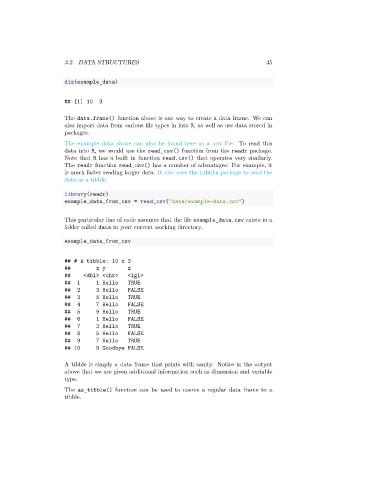
                      A tibble is simply a data frame that prints with sanity. Notice in the output
                      above that we are given additional information such as dimension and variable
                      type.
                      The as_tibble() function can be used to coerce a regular data frame to a
                      tibble.

