


Page 46 - Applied Statistics with R
P. 46
46                         CHAPTER 3. DATA AND PROGRAMMING


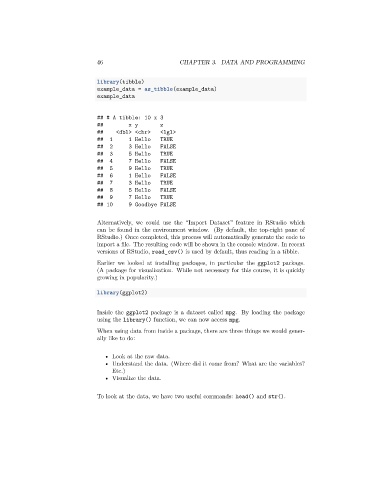
                                 library(tibble)
                                 example_data = as_tibble(example_data)
                                 example_data


                                 ## # A tibble: 10 x 3
                                 ##         x y       z
                                 ##    <dbl> <chr>    <lgl>
                                 ##  1      1 Hello   TRUE
                                 ##  2      3 Hello   FALSE
                                 ##  3      5 Hello   TRUE
                                 ##  4      7 Hello   FALSE
                                 ##  5      9 Hello   TRUE
                                 ##  6      1 Hello   FALSE
                                 ##  7      3 Hello   TRUE
                                 ##  8      5 Hello   FALSE
                                 ##  9      7 Hello   TRUE
                                 ## 10      9 Goodbye FALSE

                                 Alternatively, we could use the “Import Dataset” feature in RStudio which
                                 can be found in the environment window. (By default, the top-right pane of
                                 RStudio.) Once completed, this process will automatically generate the code to
                                 import a file. The resulting code will be shown in the console window. In recent
                                 versions of RStudio, read_csv() is used by default, thus reading in a tibble.

                                 Earlier we looked at installing packages, in particular the ggplot2 package.
                                 (A package for visualization. While not necessary for this course, it is quickly
                                 growing in popularity.)

                                 library(ggplot2)


                                 Inside the ggplot2 package is a dataset called mpg. By loading the package
                                 using the library() function, we can now access mpg.

                                 When using data from inside a package, there are three things we would gener-
                                 ally like to do:


                                    • Look at the raw data.
                                    • Understand the data. (Where did it come from? What are the variables?
                                      Etc.)
                                    • Visualize the data.


                                 To look at the data, we have two useful commands: head() and str().

