


Page 50 - Applied Statistics with R
P. 50
50                         CHAPTER 3. DATA AND PROGRAMMING


                                 ncol(mpg)


                                 ## [1] 11


                                 Here nrow() is also the number of observations, which in most cases is the
                                 sample size.
                                 Subsetting data frames can work much like subsetting matrices using square
                                 brackets, [,]. Here, we find fuel efficient vehicles earning over 35 miles per
                                 gallon and only display manufacturer, model and year.

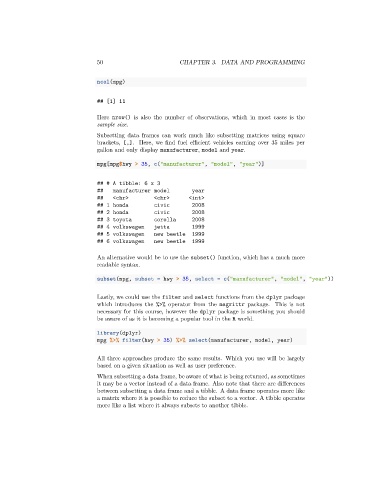
                                 mpg[mpg$hwy > 35, c("manufacturer", "model", "year")]


                                 ## # A tibble: 6 x 3
                                 ##   manufacturer model         year
                                 ##   <chr>         <chr>      <int>
                                 ## 1 honda         civic        2008
                                 ## 2 honda         civic        2008
                                 ## 3 toyota        corolla      2008
                                 ## 4 volkswagen    jetta        1999
                                 ## 5 volkswagen    new beetle   1999
                                 ## 6 volkswagen    new beetle   1999

                                 An alternative would be to use the subset() function, which has a much more
                                 readable syntax.

                                 subset(mpg, subset = hwy > 35, select = c("manufacturer", "model", "year"))


                                 Lastly, we could use the filter and select functions from the dplyr package
                                 which introduces the %>% operator from the magrittr package. This is not
                                 necessary for this course, however the dplyr package is something you should
                                 be aware of as it is becoming a popular tool in the R world.

                                 library(dplyr)
                                 mpg %>% filter(hwy > 35) %>% select(manufacturer, model, year)

                                 All three approaches produce the same results. Which you use will be largely
                                 based on a given situation as well as user preference.
                                 When subsetting a data frame, be aware of what is being returned, as sometimes
                                 it may be a vector instead of a data frame. Also note that there are differences
                                 between subsetting a data frame and a tibble. A data frame operates more like
                                 a matrix where it is possible to reduce the subset to a vector. A tibble operates
                                 more like a list where it always subsets to another tibble.

