


Page 21 - Python Data Science Handbook
P. 21
$ jupyter notebook
                   [NotebookApp] Serving notebooks from local directory: /Users/jakevdp/...
                   [NotebookApp] 0 active kernels
                   [NotebookApp] The IPython Notebook is running at: http://localhost:8888/
                   [NotebookApp] Use Control-C to stop this server and shut down all kernels...
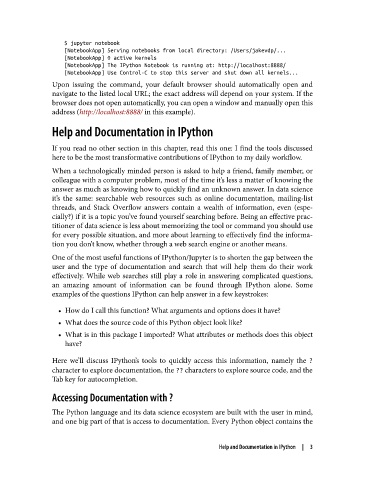
               Upon issuing the command, your default browser should automatically open and
               navigate to the listed local URL; the exact address will depend on your system. If the
               browser does not open automatically, you can open a window and manually open this
               address (http://localhost:8888/ in this example).

               Help and Documentation in IPython


               If you read no other section in this chapter, read this one: I find the tools discussed
               here to be the most transformative contributions of IPython to my daily workflow.
               When a technologically minded person is asked to help a friend, family member, or
               colleague with a computer problem, most of the time it’s less a matter of knowing the
               answer as much as knowing how to quickly find an unknown answer. In data science
               it’s the same: searchable web resources such as online documentation, mailing-list
               threads, and Stack Overflow answers contain a wealth of information, even (espe‐
               cially?) if it is a topic you’ve found yourself searching before. Being an effective prac‐
               titioner of data science is less about memorizing the tool or command you should use
               for every possible situation, and more about learning to effectively find the informa‐
               tion you don’t know, whether through a web search engine or another means.

               One of the most useful functions of IPython/Jupyter is to shorten the gap between the
               user and the type of documentation and search that will help them do their work
               effectively. While web searches still play a role in answering complicated questions,
               an amazing amount of information can be found through IPython alone. Some
               examples of the questions IPython can help answer in a few keystrokes:

                 • How do I call this function? What arguments and options does it have?
                 • What does the source code of this Python object look like?
                 • What is in this package I imported? What attributes or methods does this object
                   have?


               Here we’ll discuss IPython’s tools to quickly access this information, namely the ?
               character to explore documentation, the ?? characters to explore source code, and the
               Tab key for autocompletion.

               Accessing Documentation with ?

               The Python language and its data science ecosystem are built with the user in mind,
               and one big part of that is access to documentation. Every Python object contains the


                                                              Help and Documentation in IPython  |  3

