


Page 23 - Python Data Science Handbook
P. 23
....:     return a ** 2
                     ....:
               Note that to create a docstring for our function, we simply placed a string literal in
               the first line. Because docstrings are usually multiple lines, by convention we used
               Python’s triple-quote notation for multiline strings.
               Now we’ll use the ? mark to find this docstring:

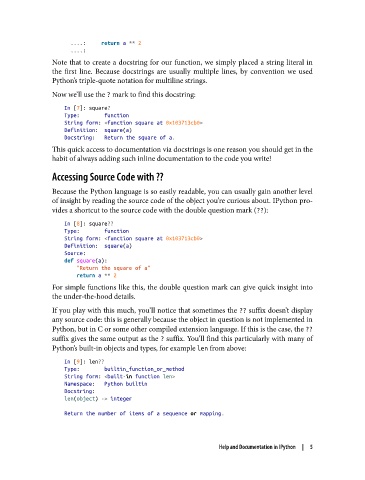
                   In [7]: square?
                   Type:        function
                   String form: <function square at 0x103713cb0>
                   Definition:  square(a)
                   Docstring:   Return the square of a.
               This quick access to documentation via docstrings is one reason you should get in the
               habit of always adding such inline documentation to the code you write!

               Accessing Source Code with ??

               Because the Python language is so easily readable, you can usually gain another level
               of insight by reading the source code of the object you’re curious about. IPython pro‐
               vides a shortcut to the source code with the double question mark (??):

                   In [8]: square??
                   Type:        function
                   String form: <function square at 0x103713cb0>
                   Definition:  square(a)
                   Source:
                   def square(a):
                       "Return the square of a"
                       return a ** 2
               For simple functions like this, the double question mark can give quick insight into
               the under-the-hood details.
               If you play with this much, you’ll notice that sometimes the ?? suffix doesn’t display
               any source code: this is generally because the object in question is not implemented in
               Python, but in C or some other compiled extension language. If this is the case, the ??
               suffix gives the same output as the ? suffix. You’ll find this particularly with many of
               Python’s built-in objects and types, for example len from above:

                   In [9]: len??
                   Type:        builtin_function_or_method
                   String form: <built-in function len>
                   Namespace:   Python builtin
                   Docstring:
                   len(object) -> integer

                   Return the number of items of a sequence or mapping.


                                                              Help and Documentation in IPython  |  5

