


Page 237 - Python Data Science Handbook
P. 237
Plotting from a script

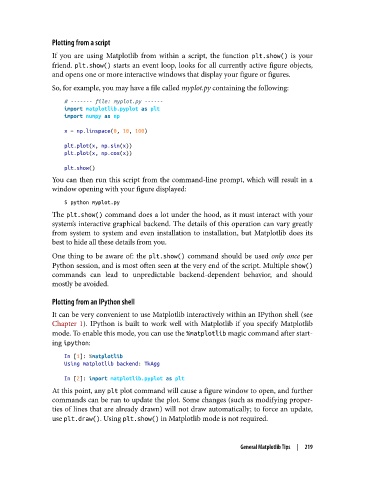
               If you are using Matplotlib from within a script, the function plt.show()  is your
               friend. plt.show()  starts an event loop, looks for all currently active figure objects,
               and opens one or more interactive windows that display your figure or figures.
               So, for example, you may have a file called myplot.py containing the following:

                   # ------- file: myplot.py ------
                   import matplotlib.pyplot as plt
                   import numpy as np
                   x = np.linspace(0, 10, 100)
                   plt.plot(x, np.sin(x))
                   plt.plot(x, np.cos(x))
                   plt.show()
               You can then run this script from the command-line prompt, which will result in a
               window opening with your figure displayed:
                   $ python myplot.py
               The plt.show() command does a lot under the hood, as it must interact with your
               system’s interactive graphical backend. The details of this operation can vary greatly
               from system to system and even installation to installation, but Matplotlib does its
               best to hide all these details from you.

               One thing to be aware of: the plt.show()  command should be used only once  per
               Python session, and is most often seen at the very end of the script. Multiple show()
               commands can lead to unpredictable backend-dependent behavior, and should
               mostly be avoided.

               Plotting from an IPython shell
               It can be very convenient to use Matplotlib interactively within an IPython shell (see
               Chapter 1). IPython is built to work well with Matplotlib if you specify Matplotlib
               mode. To enable this mode, you can use the %matplotlib magic command after start‐
               ing ipython:

                   In [1]: %matplotlib
                   Using matplotlib backend: TkAgg

                   In [2]: import matplotlib.pyplot as plt
               At this point, any plt plot command will cause a figure window to open, and further
               commands can be run to update the plot. Some changes (such as modifying proper‐
               ties of lines that are already drawn) will not draw automatically; to force an update,
               use plt.draw(). Using plt.show() in Matplotlib mode is not required.


                                                                   General Matplotlib Tips  |  219

