


Page 239 - Python Data Science Handbook
P. 239
Saving Figures to File

               One nice feature of Matplotlib is the ability to save figures in a wide variety of for‐
               mats. You can save a figure using the savefig() command. For example, to save the
               previous figure as a PNG file, you can run this:

                   In[5]: fig.savefig('my_figure.png')
               We now have a file called my_figure.png in the current working directory:
                   In[6]: !ls -lh my_figure.png
                   -rw-r--r--  1 jakevdp  staff    16K Aug 11 10:59 my_figure.png

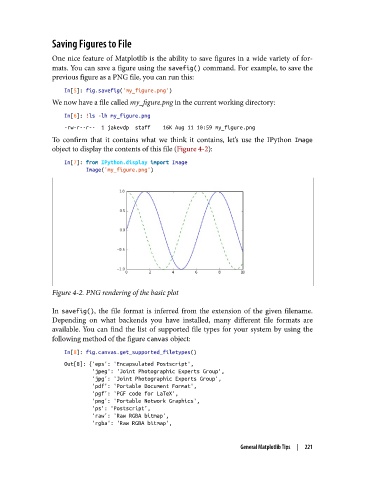
               To confirm that it contains what we think it contains, let’s use the IPython Image
               object to display the contents of this file (Figure 4-2):
                   In[7]: from IPython.display import Image
                          Image('my_figure.png')


               Figure 4-2. PNG rendering of the basic plot

               In savefig(), the file format is inferred from the extension of the given filename.
               Depending on what backends you have installed, many different file formats are
               available. You can find the list of supported file types for your system by using the
               following method of the figure canvas object:
                   In[8]: fig.canvas.get_supported_filetypes()
                   Out[8]: {'eps': 'Encapsulated Postscript',
                            'jpeg': 'Joint Photographic Experts Group',
                            'jpg': 'Joint Photographic Experts Group',
                            'pdf': 'Portable Document Format',
                            'pgf': 'PGF code for LaTeX',
                            'png': 'Portable Network Graphics',
                            'ps': 'Postscript',
                            'raw': 'Raw RGBA bitmap',
                            'rgba': 'Raw RGBA bitmap',


                                                                   General Matplotlib Tips  |  221

