


Page 238 - Python Data Science Handbook
P. 238
Plotting from an IPython notebook

               The IPython notebook is a browser-based interactive data analysis tool that can com‐
               bine narrative, code, graphics, HTML elements, and much more into a single exe‐
               cutable document (see Chapter 1).
               Plotting interactively within an IPython notebook can be done with the %matplotlib
               command, and works in a similar way to the IPython shell. In the IPython notebook,
               you also have the option of embedding graphics directly in the notebook, with two
               possible options:

                 • %matplotlib notebook  will lead to interactive  plots embedded within the
                   notebook

                 • %matplotlib inline  will lead to static  images of your plot embedded in the
                   notebook

               For this book, we will generally opt for %matplotlib inline:

                   In[3]: %matplotlib inline
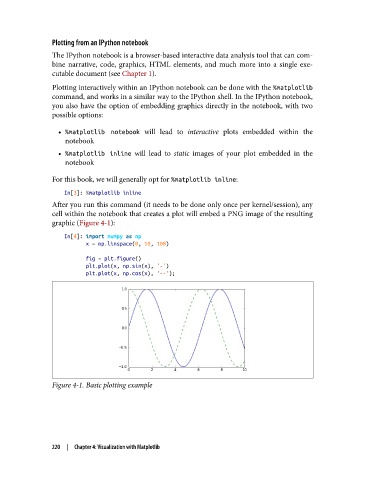
               After you run this command (it needs to be done only once per kernel/session), any
               cell within the notebook that creates a plot will embed a PNG image of the resulting
               graphic (Figure 4-1):
                   In[4]: import numpy as np
                          x = np.linspace(0, 10, 100)

                          fig = plt.figure()
                          plt.plot(x, np.sin(x), '-')
                          plt.plot(x, np.cos(x), '--');


               Figure 4-1. Basic plotting example


               220  |  Chapter 4: Visualization with Matplotlib

