


Page 30 - 18-868 SEO PowerSuite Workflow_VPMGC
P. 30
SEO Workflow


               In your Rank Tracker workspace, you’ll be able to include or exclude competitors’

               data from the tables and graphs by simply clicking Show Competitors.


                   Step 6: Set up the preferences


               Do you need to check search engines’ top 100 results for your ranks — or
               maybe top 50 or just the top 10? If your site is found in SERPs for a given term

               more than once, would you want to see all of the site’s rankings for each
               keyword, or are you only interested in the highest rank? In Rank Tracker, you

               can set these options up — along with other useful prefs.


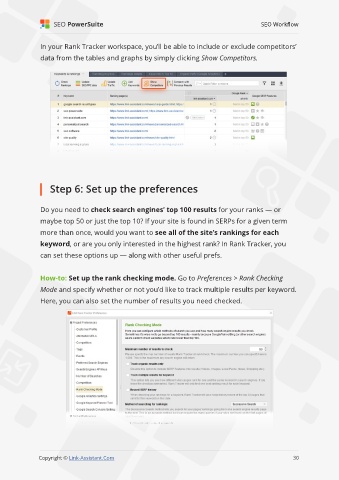
               How-to: Set up the rank checking mode. Go to Preferences > Rank Checking
               Mode and specify whether or not you’d like to track multiple results per keyword.

               Here, you can also set the number of results you need checked.


                                                                                                             30

               Copyright © Link-Assistant.Com                                                           30

