


Page 26 - 18-868 SEO PowerSuite Workflow_VPMGC
P. 26
SEO Workflow


                   Step 3: Decide on your landing pages


               Simply put, a landing page is a page that you’d like your site’s visitors to ‘land’ on

               — and a page you’d like to rank in search results for a given term. You can hardly
               have one and the same page optimized for all your keywords, so you’ll need to

               look through your list of keywords carefully and decide which page is the best
               fit for each word or phrase. That page’s content should be useful and engaging

               and, most importantly, relevant to the term — ensuring that the searcher finds
               exactly what they’re looking for on your landing page, and sticks around your site

               rather than bounces back to the search results.


               Making sure the right pages are ranking for the right keywords is an
               indispensable part of rank tracking, and (lucky you!) Rank Tracker offers a simple

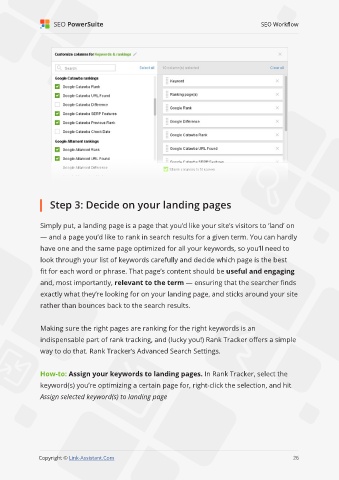
               way to do that. Rank Tracker’s Advanced Search Settings.


               How-to: Assign your keywords to landing pages. In Rank Tracker, select the
               keyword(s) you’re optimizing a certain page for, right-click the selection, and hit

               Assign selected keyword(s) to landing page


                                                                                                             26

               Copyright © Link-Assistant.Com                                                           26

