


Page 67 - Computing book 6
P. 67
Modular Designing                                                                    Class 6


               Printer Paper

               Lists the current printer paper settings, including paper size and paper orientation.

               Drawing Page
               Lists the current drawing page settings, including page size and page orientation. You can change
               these options on the Page Size tab.

               Print Zoom
               Lists any reduction or enlargement that you specify. Change this setting under Print zoom (all pages).
               This option only affects your printout; your actual drawing size is unchanged. Note that when you
               reduce or enlarge a scaled drawing, you cannot use the printout to measure real-world objects
               accurately.

               Print Preview

               Click the File menu, and then click Print.

               Tips:

               If you aren't satisfied with the result, you can change the print options in the Print Setup dialogue.
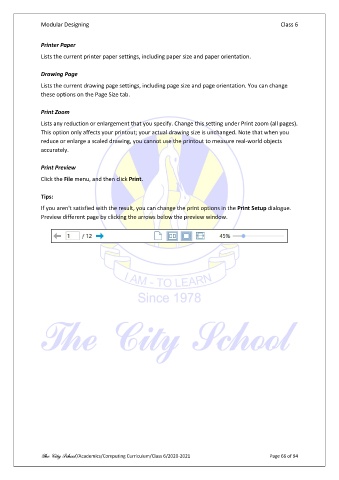
               Preview different page by clicking the arrows below the preview window.


               The City School /Academics/Computing Curriculum/Class 6/2020-2021                Page 66 of 94

