


Page 13 - Employee Navigator Guide
P. 13
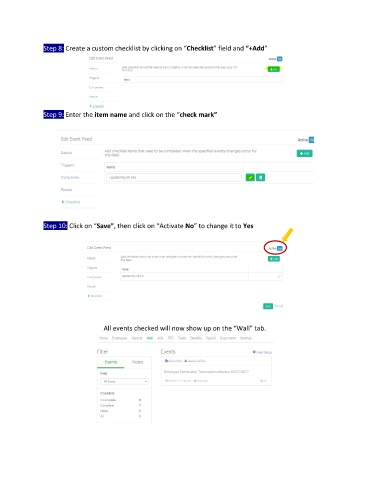
Step 8: Create a custom checklist by clicking on “Checklist” field and “+Add”


               Step 9: Enter the item name and click on the “check mark”


               Step 10: Click on “Save”, then click on “Activate No” to change it to Yes


                                   All events checked will now show up on the “Wall” tab.

