


Page 10 - Employee Navigator Guide
P. 10
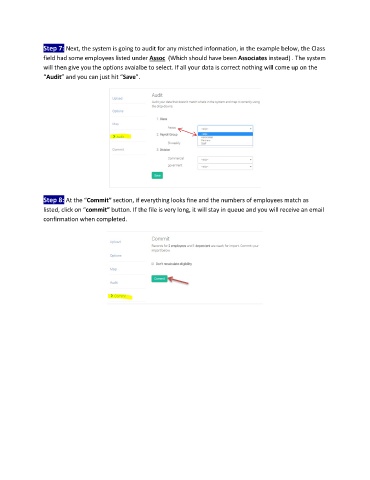
Step 7: Next, the system is going to audit for any mistched information, in the example below, the Class
               field had some employees listed under Assoc  (Which should have been Associates instead) . The system
               will then give you the options avaialbe to select. If all your data is correct nothing will come up on the
               “Audit” and you can just hit “Save”.


               Step 8: At the “Commit” section, if everything looks fine and the numbers of employees match as
               listed, click on “commit” button. If the file is very long, it will stay in queue and you will receive an email
               confirmation when completed.

