


Page 11 - Employee Navigator Guide
P. 11
How to Use the “Wall”


               Use the Wall to keep track of your tasks for things such as New Hire or Termination procedures. Here is
               an example: Employee is Terminated and HR must do the following: Perform exit interview, get laptop
               from employee, get office key from Employee, and change voicemail for employee

               Set up Wall feed in a few short steps:


               Step 1: Login to your Employee Navigator account by following the link below:

               https://www.employeenavigator.com/benefits/Login.aspx


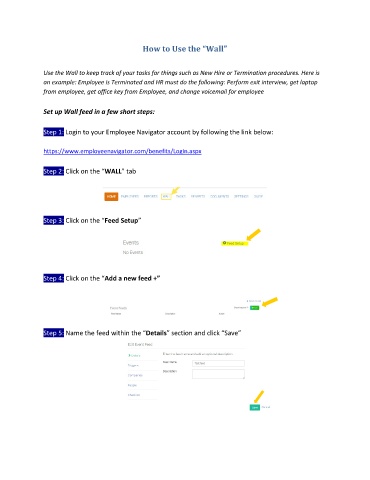
               Step 2: Click on the “WALL” tab


               Step 3: Click on the “Feed Setup”


               Step 4: Click on the “Add a new feed +”


               Step 5: Name the feed within the “Details” section and click “Save”

