


Page 16 - TCS ICT Book 5
P. 16
The City School  2021-2022


           1.5.  Getting Started with Video Editing


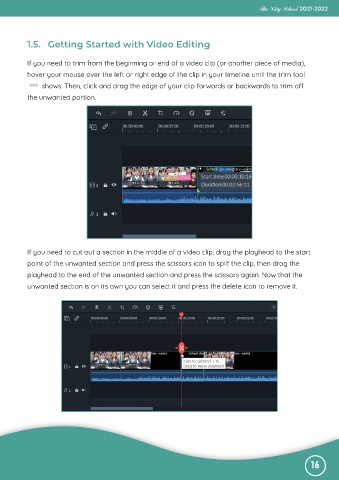
           If you need to trim from the beginning or end of a video clip (or another piece of media),
           hover your mouse over the left or right edge of the clip in your timeline until the trim tool

                shows. Then, click and drag the edge of your clip forwards or backwards to trim off
           the unwanted portion.


           If you need to cut out a section in the middle of a video clip, drag the playhead to the start

           point of the unwanted section and press the scissors icon to split the clip, then drag the
           playhead to the end of the unwanted section and press the scissors again. Now that the

           unwanted section is on its own you can select it and press the delete icon to remove it.


                                                                                                              16

