


Page 20 - TCS ICT Book 5
P. 20
The City School  2021-2022


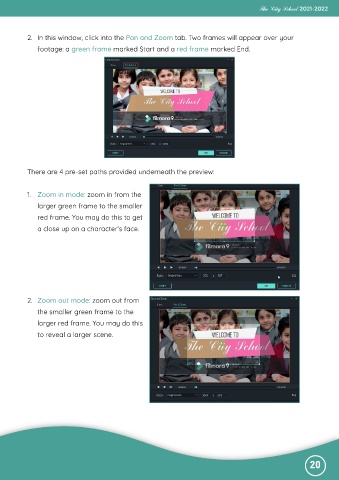
           2.  In this window, click into the Pan and Zoom tab. Two frames will appear over your

              footage: a green frame marked Start and a red frame marked End.


           There are 4 pre-set paths provided underneath the preview:


           1.  Zoom in mode: zoom in from the
              larger green frame to the smaller
              red frame. You may do this to get

              a close up on a character’s face.


           2.  Zoom out mode: zoom out from
              the smaller green frame to the

              larger red frame. You may do this
              to reveal a larger scene.


                                                                                                              20

