


Page 55 - TCS ICT Book 5
P. 55
The City School  2021-2022


           2.7.  Representing Data in PowerPoint


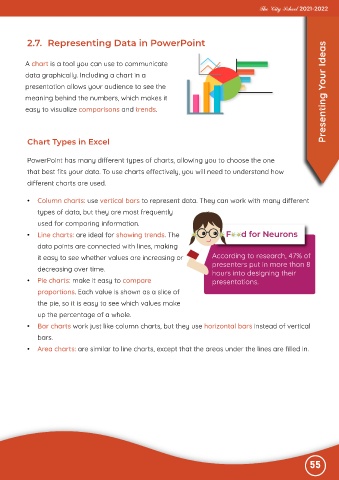
          A chart is a tool you can use to communicate
          data graphically. Including a chart in a

          presentation allows your audience to see the
          meaning behind the numbers, which makes it                                                               Presenting Your Ideas

          easy to visualize comparisons and trends.


           Chart Types in Excel


           PowerPoint has many different types of charts, allowing you to choose the one
           that best fits your data. To use charts effectively, you will need to understand how

           different charts are used.


           •  Column charts: use vertical bars to represent data. They can work with many different
              types of data, but they are most frequently

              used for comparing information.
           •  Line charts: are ideal for showing trends. The

              data points are connected with lines, making
              it easy to see whether values are increasing or               According to research, 47% of

              decreasing over time.                                         presenters put in more than 8
                                                                            hours into designing their
           •  Pie charts: make it easy to compare                           presentations.

              proportions. Each value is shown as a slice of
              the pie, so it is easy to see which values make

              up the percentage of a whole.
           •  Bar charts work just like column charts, but they use horizontal bars instead of vertical

              bars.
           •  Area charts: are similar to line charts, except that the areas under the lines are filled in.


                                                                                                              55

