


Page 52 - TCS ICT Book 5
P. 52
The City School  2021-2022


           •  Loop until Stopped: Replays the audio file until stopped.

           •  Rewind after Playing: Returns the audio file to the beginning when it is finished playing.


           2.6.  SmartArt Tools


           SmartArt allows you to communicate information with graphics instead of just using text.
           There are a variety of styles to choose from, which you can use to illustrate many different
           types of ideas.


           Inserting SmarArt Graphic


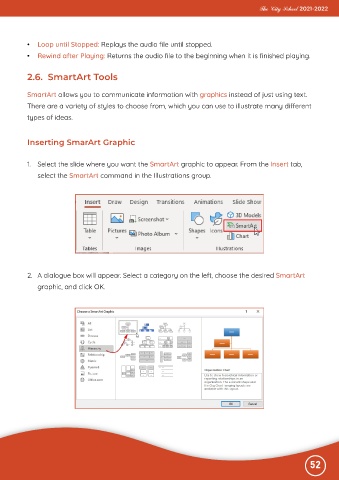
           1.  Select the slide where you want the SmartArt graphic to appear. From the Insert tab,
              select the SmartArt command in the Illustrations group.


           2.  A dialogue box will appear. Select a category on the left, choose the desired SmartArt

              graphic, and click OK.


                                                                                                              52

