


Page 58 - TCS ICT Book 5
P. 58
The City School  2021-2022


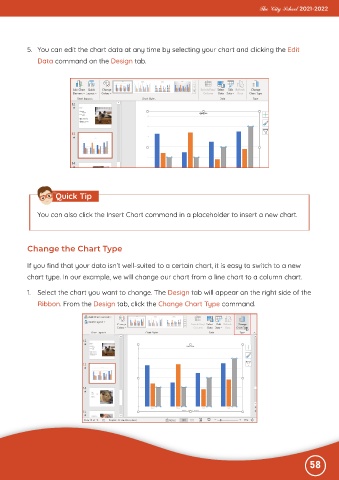
           5.  You can edit the chart data at any time by selecting your chart and clicking the Edit
              Data command on the Design tab.


                     Quick Tip


              You can also click the Insert Chart command in a placeholder to insert a new chart.


           Change the Chart Type


           If you find that your data isn’t well-suited to a certain chart, it is easy to switch to a new

           chart type. In our example, we will change our chart from a line chart to a column chart.

           1.  Select the chart you want to change. The Design tab will appear on the right side of the
              Ribbon. From the Design tab, click the Change Chart Type command.


                                                                                                              58

