


Page 84 - TCS ICT Book 5
P. 84
The City School  2021-2022


           3.10. Working with Shapes


           Creating a Rectangle


           Select the Rectangle tool. Do one of the
           following:

           1.  To draw a rectangle, drag diagonally

              until the rectangle is the desired size.
           2.  To draw a square, hold down the Shift
              key while you drag diagonally until the

              square is the desired size.

           3.  To create a square or rectangle using
              values, double click where you want the
              centre point to be. Specify a width and height, and click OK.


           Change Fill Colour of an Object


           On the Shape Format tab, in the Style group, click
           the Shape Fill button. Then choose a fill option that

           you want.


           3.11.  Inserting Images


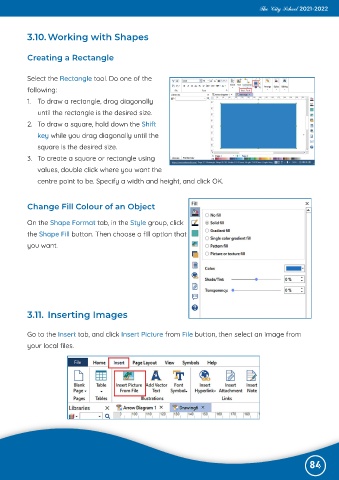
           Go to the Insert tab, and click Insert Picture from File button, then select an image from

           your local files.


                                                                                                              84

