


Page 18 - TCS ICT Book 4
P. 18
The City School  2021-2022


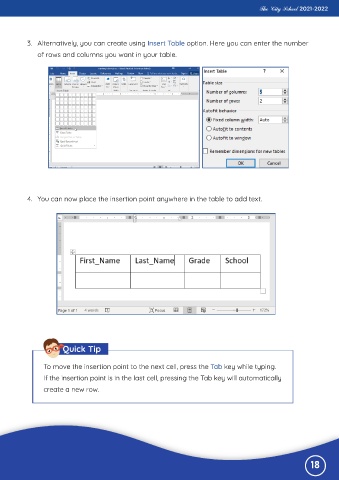
           3.  Alternatively, you can create using Insert Table option. Here you can enter the number

              of rows and columns you want in your table.


           4.  You can now place the insertion point anywhere in the table to add text.


                       Quick Tip


                To move the insertion point to the next cell, press the Tab key while typing.

                If the insertion point is in the last cell, pressing the Tab key will automatically
                create a new row.


                                                                                                              18

