


Page 51 - TCS ICT Book 4
P. 51
The City School  2021-2022


           2.8.  Viewing the Presentation


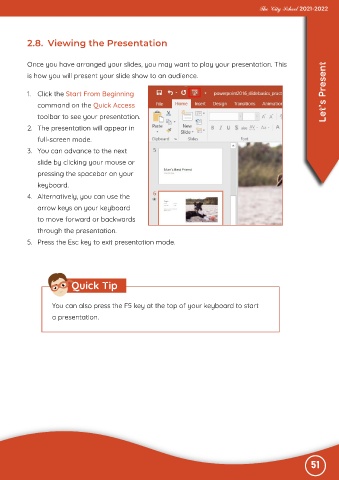
           Once you have arranged your slides, you may want to play your presentation. This
           is how you will present your slide show to an audience.


           1.  Click the Start From Beginning                                                                      Let’s Present

              command on the Quick Access
              toolbar to see your presentation.

           2.  The presentation will appear in
              full-screen mode.

           3.  You can advance to the next
              slide by clicking your mouse or

              pressing the spacebar on your
              keyboard.

           4.  Alternatively, you can use the
              arrow keys on your keyboard

              to move forward or backwards
              through the presentation.

           5.  Press the Esc key to exit presentation mode.


                          Quick Tip


                   You can also press the F5 key at the top of your keyboard to start
                   a presentation.


                                                                                                              51

