


Page 63 - TCS ICT Book 4
P. 63
The City School  2021-2022


           3.9.  Using Formulas


           One of the most powerful features in Excel is the ability to calculate numerical
           information using formulas. Just like a calculator, Excel can add, subtract, multiply,
           and divide.


           Excel uses standard operators for formulas, such as a plus sign for addition (+), a                      Spreadsheet Formatting
           minus sign for subtraction (-), an asterisk for multiplication (*) and a forward slash
           for division (/). All formulas in Excel must begin with an equality sign (=). This is

           because the cell contains, or is equal to, the formula and the value it calculates.


           Cell Reference


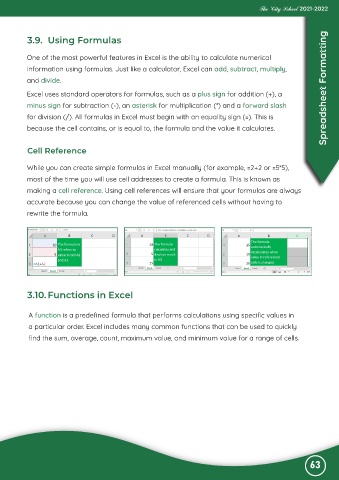
           While you can create simple formulas in Excel manually (for example, =2+2 or =5*5),
           most of the time you will use cell addresses to create a formula. This is known as

           making a cell reference. Using cell references will ensure that your formulas are always
           accurate because you can change the value of referenced cells without having to

           rewrite the formula.


           3.10. Functions in Excel


           A function is a predefined formula that performs calculations using specific values in
           a particular order. Excel includes many common functions that can be used to quickly

           find the sum, average, count, maximum value, and minimum value for a range of cells.


                                                                                                              63

