


Page 181 - Scratch Programming Playground
P. 181
4. Create Lists and Variables for the Slice Sprite


            You’ll create a list for the Fruit Slicer game to keep track of
            where the player is “slicing” on the screen. Because the slice is
            drawn between many x and y positions with Pen blocks, using
            a list is ideal.
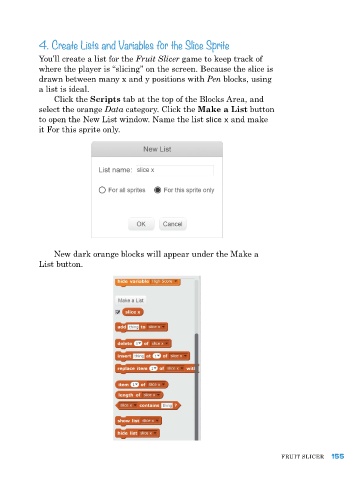
                Click the Scripts tab at the top of the Blocks area, and
            select the orange Data category. Click the Make a List button
            to open the New list window. Name the list slice x and make
            it For this sprite only.


                New dark orange blocks will appear under the Make a
            list button.


                                                                               FruIt SlICer  155

