


Page 50 - Client Coordinator
P. 50
o  Once they have presented the client with the necessary
                                                   belongings and information, Tech/TA will then turn in the
                                                   Microchip Registration form into the Client Coordinator, Or
                                                   Client Coordinators box if he/she were absent for the day.


               Client Coordinator:                         The client coordinator is responsible for checking
                                                   his/her box for any HomeAgain microchip forms.  Follow the
                                                   below steps for registering microchips.


                                                o  Open your internet browser and enter into the search bar
                                                   WWW.Homeagain.com.
                                                o  When the HomeAgain screen loads, Click Login in the top right
                                                   hand corner of the screen.
                                                o  Under Username and Password enter the login info for the
                                                   hospital.
                                                o  UN: 0010029405  PW: : Lvhstaff1!
                                                o  Once you have entered the correct information, click “Login”
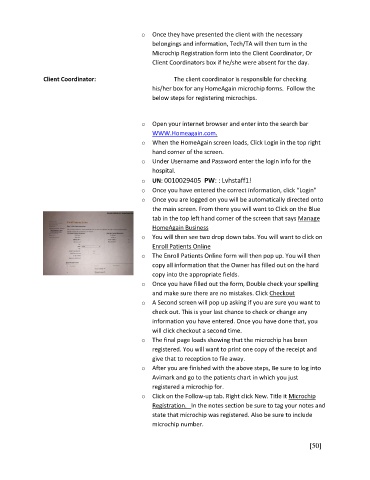
                                                o  Once you are logged on you will be automatically directed onto
                                                   the main screen. From there you will want to Click on the Blue
                                                   tab in the top left hand corner of the screen that says Manage
                                                   HomeAgain Business
                                                o  You will then see two drop down tabs. You will want to click on
                                                   Enroll Patients Online
                                                o  The Enroll Patients Online form will then pop up. You will then
                                                   copy all information that the Owner has filled out on the hard
                                                   copy into the appropriate fields.
                                                o  Once you have filled out the form, Double check your spelling
                                                   and make sure there are no mistakes. Click Checkout
                                                o  A Second screen will pop up asking if you are sure you want to
                                                   check out. This is your last chance to check or change any
                                                   information you have entered. Once you have done that, you
                                                   will click checkout a second time.
                                                o  The final page loads showing that the microchip has been
                                                   registered. You will want to print one copy of the receipt and
                                                   give that to reception to file away.
                                                o  After you are finished with the above steps, Be sure to log into
                                                   Avimark and go to the patients chart in which you just
                                                   registered a microchip for.
                                                o  Click on the Follow-up tab. Right click New. Title it Microchip
                                                   Registration.   In the notes section be sure to tag your notes and
                                                   state that microchip was registered. Also be sure to include
                                                   microchip number.


                                                                                                       [50]

