


Page 54 - Executive Director
P. 54
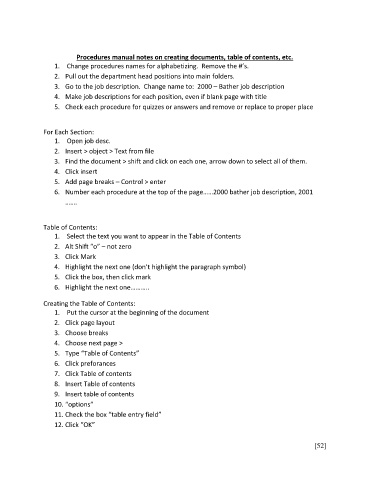
Procedures manual notes on creating documents, table of contents, etc.
                   1.   Change procedures names for alphabetizing.  Remove the #’s.
                   2.  Pull out the department head positions into main folders.
                   3.  Go to the job description.  Change name to:  2000 – Bather job description
                   4.  Make job descriptions for each position, even if blank page with title
                   5.  Check each procedure for quizzes or answers and remove or replace to proper place


               For Each Section:
                   1.   Open job desc.
                   2.  Insert > object > Text from file

                   3.  Find the document > shift and click on each one, arrow down to select all of them.
                   4.  Click insert
                   5.  Add page breaks – Control > enter
                   6.  Number each procedure at the top of the page……2000 bather job description, 2001
                       …….


               Table of Contents:
                   1.   Select the text you want to appear in the Table of Contents
                   2.  Alt Shift “o” – not zero
                   3.  Click Mark
                   4.  Highlight the next one (don’t highlight the paragraph symbol)
                   5.  Click the box, then click mark

                   6.  Highlight the next one………..

               Creating the Table of Contents:
                   1.   Put the cursor at the beginning of the document
                   2.  Click page layout
                   3.  Choose breaks
                   4.  Choose next page >
                   5.  Type “Table of Contents”
                   6.  Click preforances
                   7.  Click Table of contents
                   8.  Insert Table of contents

                   9.  Insert table of contents
                   10. “options”
                   11. Check the box “table entry field”
                   12. Click “OK”


                                                                                                         [52]

