


Page 33 - Receptionist
P. 33
If it is NOT REQUIRED to be seen by a particular doctor.
1. Ask: “Is there a particular day you would like? Morning or
Afternoon?”
2. Review calendar and schedule equally for all doctors throughout the
day
3. See “Appointment Scheduling Guidelines” for the appointment
lengths for each type of DVM appointment.
4. Do not “bunch” appointments unless the client is not able to come
in at the time you offer – Spread out appointments first and then fill
in later
5. Offer them TWO TIMES during that morning or afternoon that
works well for us. If they decline offer two more (if available). Do
not ask what time they want unless they insist.
6. Ask: “Have you selected pet insurance company?” Type on the
appointment if they have or do not have pet insurance
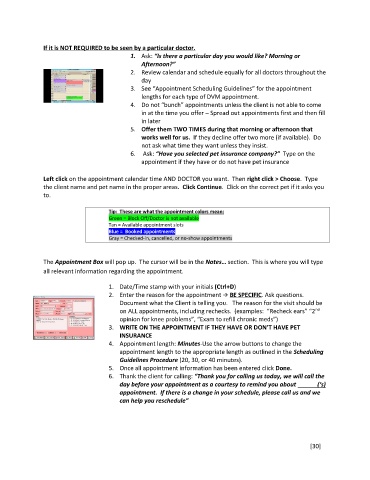
Left click on the appointment calendar time AND DOCTOR you want. Then right click > Choose. Type
the client name and pet name in the proper areas. Click Continue. Click on the correct pet if it asks you
to.
Tip: These are what the appointment colors mean:
Green = Block Off/Doctor is not available
Tan = Available appointment slots
Blue = Booked appointments
Gray = Checked-in, cancelled, or no-show appointments
The Appointment Box will pop up. The cursor will be in the Notes… section. This is where you will type
all relevant information regarding the appointment.
1. Date/Time stamp with your initials (Ctrl+D)
2. Enter the reason for the appointment BE SPECIFIC. Ask questions.
Document what the Client is telling you. The reason for the visit should be
nd
on ALL appointments, including rechecks. (examples: “Recheck ears” “2
opinion for knee problems”, “Exam to refill chronic meds”)
3. WRITE ON THE APPOINTMENT IF THEY HAVE OR DON’T HAVE PET
INSURANCE
4. Appointment length: Minutes-Use the arrow buttons to change the
appointment length to the appropriate length as outlined in the Scheduling
Guidelines Procedure (20, 30, or 40 minutes).
5. Once all appointment information has been entered click Done.
6. Thank the client for calling: “Thank you for calling us today, we will call the
day before your appointment as a courtesy to remind you about (‘s)
appointment. If there is a change in your schedule, please call us and we
can help you reschedule”
[30]

