


Page 37 - Receptionist
P. 37
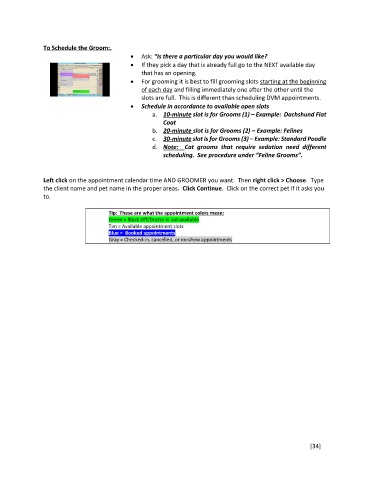
To Schedule the Groom:.
Ask: “Is there a particular day you would like?
If they pick a day that is already full go to the NEXT available day
that has an opening.
For grooming it is best to fill grooming slots starting at the beginning
of each day and filling immediately one after the other until the
slots are full. This is different than scheduling DVM appointments.
Schedule in accordance to available open slots
a. 10-minute slot is for Grooms (1) – Example: Dachshund Flat
Coat
b. 20-minute slot is for Grooms (2) – Example: Felines
c. 30-minute slot is for Grooms (3) – Example: Standard Poodle
d. Note: Cat grooms that require sedation need different
scheduling. See procedure under “Feline Grooms”.
Left click on the appointment calendar time AND GROOMER you want. Then right click > Choose. Type
the client name and pet name in the proper areas. Click Continue. Click on the correct pet if it asks you
to.
Tip: These are what the appointment colors mean:
Green = Block Off/Doctor is not available
Tan = Available appointment slots
Blue = Booked appointments
Gray = Checked-in, cancelled, or no-show appointments
[34]

