


Page 39 - Computing E-Book Grade 3
P. 39
The City School  2021-2022


           2.9.  Text Wrapping


           When you insert an image, you may notice that it is difficult to move it exactly                         ext
           where you want. This is because by default the image is in line with the text. If you

           want to move the image freely, you will usually need to choose a different text
           wrapping setting. The text wrapping for an image is set to In Line with Text. You will                   Working with T

           need to change the text wrapping setting if you want to move the image freely or if
           you want the text to wrap around the image more naturally.


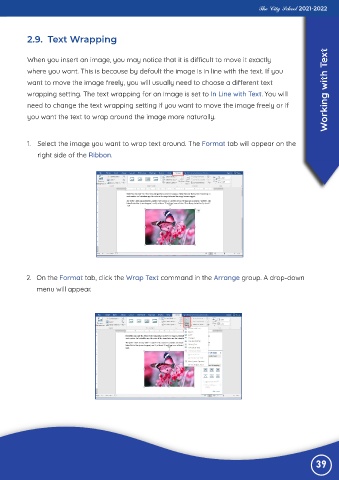
           1.  Select the image you want to wrap text around. The Format tab will appear on the

              right side of the Ribbon.


          2.  On the Format tab, click the Wrap Text command in the Arrange group. A drop-down
              menu will appear.


                                                                                                                39

