


Page 34 - Computing E-Book Grade 3
P. 34
The City School  2021-2022


           Inserting Images in Word


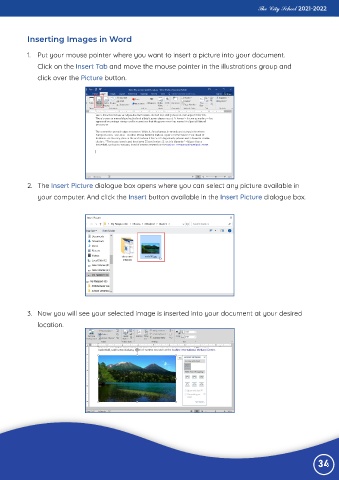
           1.  Put your mouse pointer where you want to insert a picture into your document.
              Click on the Insert Tab and move the mouse pointer in the illustrations group and

              click over the Picture button.


           2.  The Insert Picture dialogue box opens where you can select any picture available in
              your computer. And click the Insert button available in the Insert Picture dialogue box.


           3.  Now you will see your selected image is inserted into your document at your desired
              location.


                                                                                                                 34

