


Page 37 - Computing E-Book Grade 3
P. 37
The City School  2021-2022


           2.8.  Image Enhancement


           MS Word offers several options for changing                                                              ext
           the way images appear in your document. For

           example, you can add a frame, make image                       Every year the U.S. uses
           corrections, change the image’s colour or                      nearly 3.7 million tons of                Working with T

           brightness, and even add some stylish artistic                 paper – that is more than
                                                                          700 billion sheets
           effects. These options are located in the Adjust

           and Picture Styles groups on the Format tab.


           When you are ready to make adjustments or experiment with the look of an image, select
           the picture and choose one of these options from the Format tab:


           Correction

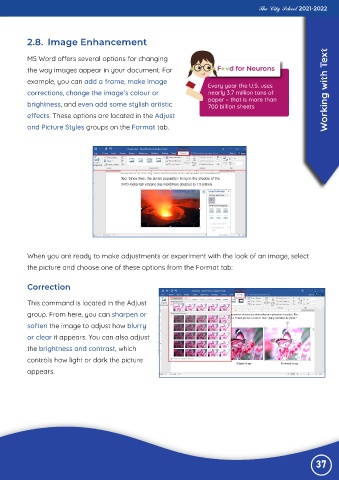
           This command is located in the Adjust

           group. From here, you can sharpen or
           soften the image to adjust how blurry

           or clear it appears. You can also adjust
           the brightness and contrast, which

           controls how light or dark the picture
           appears.


                                                                                                                37

