


Page 146 - Python Data Science Handbook
P. 146
Hierarchical Indexing


               Up to this point we’ve been focused primarily on one-dimensional and two-
               dimensional data, stored in Pandas Series and DataFrame objects, respectively. Often
               it is useful to go beyond this and store higher-dimensional data—that is, data indexed
               by more than one or two keys. While Pandas does provide Panel and Panel4D objects
               that natively handle three-dimensional and four-dimensional data (see “Panel Data”
               on page 141), a far more common pattern in practice is to make use of hierarchical
               indexing (also known as multi-indexing) to incorporate multiple index levels within a
               single index. In this way, higher-dimensional data can be compactly represented
               within the familiar one-dimensional Series and two-dimensional DataFrame objects.

               In this section, we’ll explore the direct creation of MultiIndex objects; considerations
               around indexing, slicing, and computing statistics across multiply indexed data; and
               useful routines for converting between simple and hierarchically indexed representa‐
               tions of your data.
               We begin with the standard imports:
                   In[1]: import pandas as pd
                          import numpy as np
               A Multiply Indexed Series

               Let’s start by considering how we might represent two-dimensional data within a
               one-dimensional Series. For concreteness, we will consider a series of data where
               each point has a character and numerical key.

               The bad way
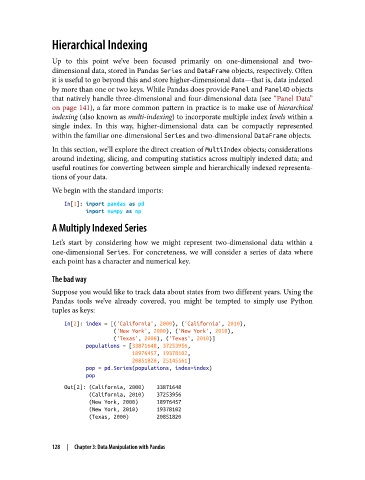
               Suppose you would like to track data about states from two different years. Using the
               Pandas tools we’ve already covered, you might be tempted to simply use Python
               tuples as keys:

                   In[2]: index = [('California', 2000), ('California', 2010),
                                   ('New York', 2000), ('New York', 2010),
                                   ('Texas', 2000), ('Texas', 2010)]
                          populations = [33871648, 37253956,
                                         18976457, 19378102,
                                         20851820, 25145561]
                          pop = pd.Series(populations, index=index)
                          pop
                   Out[2]: (California, 2000)    33871648
                           (California, 2010)    37253956
                           (New York, 2000)      18976457
                           (New York, 2010)      19378102
                           (Texas, 2000)         20851820


               128  |  Chapter 3: Data Manipulation with Pandas

