


Page 144 - Python Data Science Handbook
P. 144
But this drops some good data as well; you might rather be interested in dropping
               rows or columns with all NA values, or a majority of NA values. This can be specified
               through the how  or thresh  parameters, which allow fine control of the number of
               nulls to allow through.

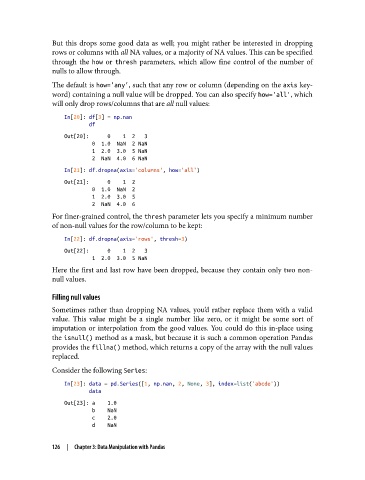
               The default is how='any', such that any row or column (depending on the axis key‐
               word) containing a null value will be dropped. You can also specify how='all', which
               will only drop rows/columns that are all null values:

                   In[20]: df[3] = np.nan
                           df
                   Out[20]:      0    1  2   3
                            0  1.0  NaN  2 NaN
                            1  2.0  3.0  5 NaN
                            2  NaN  4.0  6 NaN
                   In[21]: df.dropna(axis='columns', how='all')
                   Out[21]:      0    1  2
                            0  1.0  NaN  2
                            1  2.0  3.0  5
                            2  NaN  4.0  6
               For finer-grained control, the thresh parameter lets you specify a minimum number
               of non-null values for the row/column to be kept:

                   In[22]: df.dropna(axis='rows', thresh=3)
                   Out[22]:      0    1  2   3
                            1  2.0  3.0  5 NaN
               Here the first and last row have been dropped, because they contain only two non-
               null values.

               Filling null values
               Sometimes rather than dropping NA values, you’d rather replace them with a valid
               value. This value might be a single number like zero, or it might be some sort of
               imputation or interpolation from the good values. You could do this in-place using
               the isnull() method as a mask, but because it is such a common operation Pandas
               provides the fillna() method, which returns a copy of the array with the null values
               replaced.

               Consider the following Series:

                   In[23]: data = pd.Series([1, np.nan, 2, None, 3], index=list('abcde'))
                           data
                   Out[23]: a    1.0
                            b    NaN
                            c    2.0
                            d    NaN

               126  |  Chapter 3: Data Manipulation with Pandas

