


Page 202 - Python Data Science Handbook
P. 202
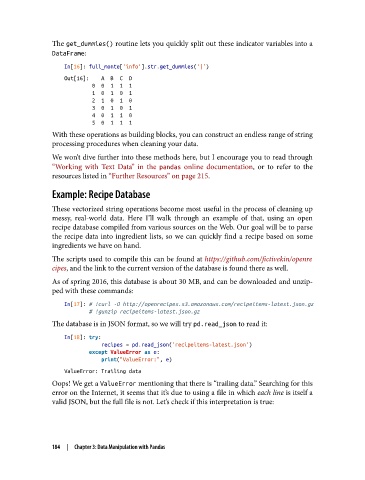
The get_dummies() routine lets you quickly split out these indicator variables into a
               DataFrame:

                   In[16]: full_monte['info'].str.get_dummies('|')
                   Out[16]:    A  B  C  D
                            0  0  1  1  1
                            1  0  1  0  1
                            2  1  0  1  0
                            3  0  1  0  1
                            4  0  1  1  0
                            5  0  1  1  1
               With these operations as building blocks, you can construct an endless range of string
               processing procedures when cleaning your data.
               We won’t dive further into these methods here, but I encourage you to read through
               “Working with Text Data” in the pandas  online documentation, or to refer to the
               resources listed in “Further Resources” on page 215.

               Example: Recipe Database

               These vectorized string operations become most useful in the process of cleaning up
               messy, real-world data. Here I’ll walk through an example of that, using an open
               recipe database compiled from various sources on the Web. Our goal will be to parse
               the recipe data into ingredient lists, so we can quickly find a recipe based on some
               ingredients we have on hand.

               The scripts used to compile this can be found at https://github.com/fictivekin/openre
               cipes, and the link to the current version of the database is found there as well.

               As of spring 2016, this database is about 30 MB, and can be downloaded and unzip‐
               ped with these commands:

                   In[17]: # !curl -O http://openrecipes.s3.amazonaws.com/recipeitems-latest.json.gz
                           # !gunzip recipeitems-latest.json.gz
               The database is in JSON format, so we will try pd.read_json to read it:

                   In[18]: try:
                               recipes = pd.read_json('recipeitems-latest.json')
                           except ValueError as e:
                               print("ValueError:", e)
                   ValueError: Trailing data
               Oops! We get a ValueError mentioning that there is “trailing data.” Searching for this
               error on the Internet, it seems that it’s due to using a file in which each line is itself a
               valid JSON, but the full file is not. Let’s check if this interpretation is true:


               184  |  Chapter 3: Data Manipulation with Pandas

