


Page 198 - Python Data Science Handbook
P. 198
Tables of Pandas String Methods

               If you have a good understanding of string manipulation in Python, most of Pandas’
               string syntax is intuitive enough that it’s probably sufficient to just list a table of avail‐
               able methods; we will start with that here, before diving deeper into a few of the sub‐
               tleties. The examples in this section use the following series of names:
                   In[6]: monte = pd.Series(['Graham Chapman', 'John Cleese', 'Terry Gilliam',
                                             'Eric Idle', 'Terry Jones', 'Michael Palin'])
               Methods similar to Python string methods
               Nearly all Python’s built-in string methods are mirrored by a Pandas vectorized string
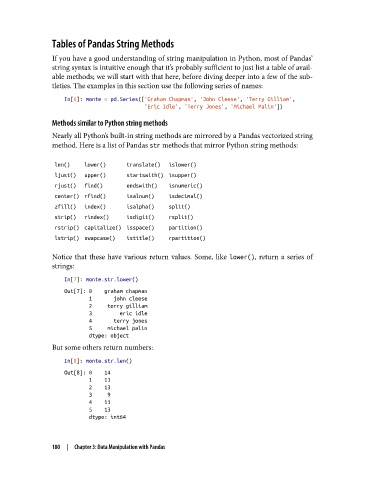
               method. Here is a list of Pandas str methods that mirror Python string methods:


                len()   lower()     translate()  islower()
                ljust()  upper()    startswith() isupper()
                rjust()  find()     endswith()  isnumeric()
                center() rfind()    isalnum()   isdecimal()
                zfill()  index()    isalpha()   split()
                strip()  rindex()   isdigit()   rsplit()
                rstrip() capitalize() isspace()  partition()
                lstrip() swapcase()  istitle()  rpartition()

               Notice that these have various return values. Some, like lower(), return a series of
               strings:

                   In[7]: monte.str.lower()
                   Out[7]: 0    graham chapman
                           1       john cleese
                           2     terry gilliam
                           3         eric idle
                           4       terry jones
                           5     michael palin
                           dtype: object
               But some others return numbers:

                   In[8]: monte.str.len()
                   Out[8]: 0    14
                           1    11
                           2    13
                           3     9
                           4    11
                           5    13
                           dtype: int64


               180  |  Chapter 3: Data Manipulation with Pandas

