


Page 230 - Python Data Science Handbook
P. 230
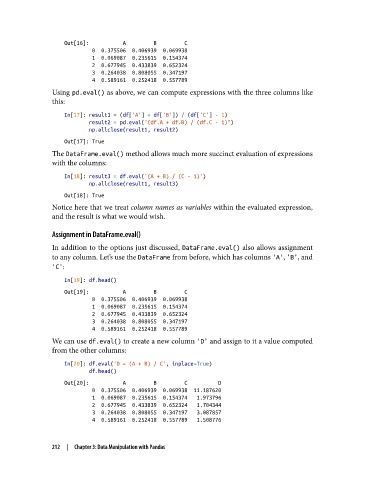
Out[16]:           A         B         C
                            0  0.375506  0.406939  0.069938
                            1  0.069087  0.235615  0.154374
                            2  0.677945  0.433839  0.652324
                            3  0.264038  0.808055  0.347197
                            4  0.589161  0.252418  0.557789
               Using pd.eval() as above, we can compute expressions with the three columns like
               this:
                   In[17]: result1 = (df['A'] + df['B']) / (df['C'] - 1)
                           result2 = pd.eval("(df.A + df.B) / (df.C - 1)")
                           np.allclose(result1, result2)
                   Out[17]: True
               The DataFrame.eval() method allows much more succinct evaluation of expressions
               with the columns:

                   In[18]: result3 = df.eval('(A + B) / (C - 1)')
                           np.allclose(result1, result3)
                   Out[18]: True
               Notice here that we treat column names as variables within the evaluated expression,
               and the result is what we would wish.


               Assignment in DataFrame.eval()
               In addition to the options just discussed, DataFrame.eval() also allows assignment
               to any column. Let’s use the DataFrame from before, which has columns 'A', 'B', and
               'C':

                   In[19]: df.head()
                   Out[19]:           A         B         C
                            0  0.375506  0.406939  0.069938
                            1  0.069087  0.235615  0.154374
                            2  0.677945  0.433839  0.652324
                            3  0.264038  0.808055  0.347197
                            4  0.589161  0.252418  0.557789
               We can use df.eval() to create a new column 'D' and assign to it a value computed
               from the other columns:
                   In[20]: df.eval('D = (A + B) / C', inplace=True)
                           df.head()
                   Out[20]:           A         B         C          D
                            0  0.375506  0.406939  0.069938  11.187620
                            1  0.069087  0.235615  0.154374   1.973796
                            2  0.677945  0.433839  0.652324   1.704344
                            3  0.264038  0.808055  0.347197   3.087857
                            4  0.589161  0.252418  0.557789   1.508776


               212  |  Chapter 3: Data Manipulation with Pandas

