


Page 229 - Python Data Science Handbook
P. 229
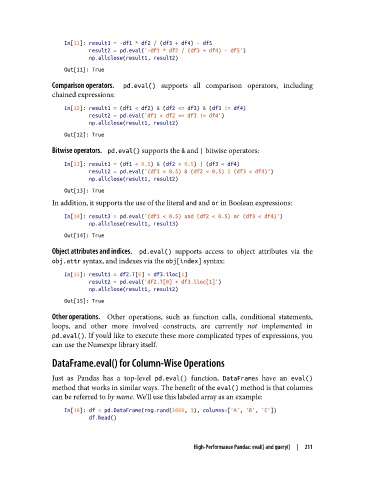
In[11]: result1 = -df1 * df2 / (df3 + df4) - df5
                           result2 = pd.eval('-df1 * df2 / (df3 + df4) - df5')
                           np.allclose(result1, result2)
                   Out[11]: True

               Comparison operators.     pd.eval()  supports all comparison operators, including
               chained expressions:

                   In[12]: result1 = (df1 < df2) & (df2 <= df3) & (df3 != df4)
                           result2 = pd.eval('df1 < df2 <= df3 != df4')
                           np.allclose(result1, result2)
                   Out[12]: True
               Bitwise operators.    pd.eval() supports the & and | bitwise operators:

                   In[13]: result1 = (df1 < 0.5) & (df2 < 0.5) | (df3 < df4)
                           result2 = pd.eval('(df1 < 0.5) & (df2 < 0.5) | (df3 < df4)')
                           np.allclose(result1, result2)
                   Out[13]: True
               In addition, it supports the use of the literal and and or in Boolean expressions:

                   In[14]: result3 = pd.eval('(df1 < 0.5) and (df2 < 0.5) or (df3 < df4)')
                           np.allclose(result1, result3)
                   Out[14]: True
               Object attributes and indices.     pd.eval()  supports access to object attributes via the
               obj.attr syntax, and indexes via the obj[index] syntax:

                   In[15]: result1 = df2.T[0] + df3.iloc[1]
                           result2 = pd.eval('df2.T[0] + df3.iloc[1]')
                           np.allclose(result1, result2)
                   Out[15]: True

               Other operations.     Other operations, such as function calls, conditional statements,
               loops, and other more involved constructs, are currently not  implemented in
               pd.eval(). If you’d like to execute these more complicated types of expressions, you
               can use the Numexpr library itself.

               DataFrame.eval() for Column-Wise Operations

               Just as Pandas has a top-level pd.eval()  function, DataFrames have an eval()
               method that works in similar ways. The benefit of the eval() method is that columns
               can be referred to by name. We’ll use this labeled array as an example:
                   In[16]: df = pd.DataFrame(rng.rand(1000, 3), columns=['A', 'B', 'C'])
                           df.head()


                                                       High-Performance Pandas: eval() and query()  |  211

